UI-only product walkthrough
See how a recording moves from the phone to review.
This walkthrough uses a fictional demo archive phone and interface-only explanation. No real family recording, biography, or loved-one likeness is published here. The phones show Elena Marchetti, a labeled fictional demo, so you can see the rooms without anyone’s private archive.
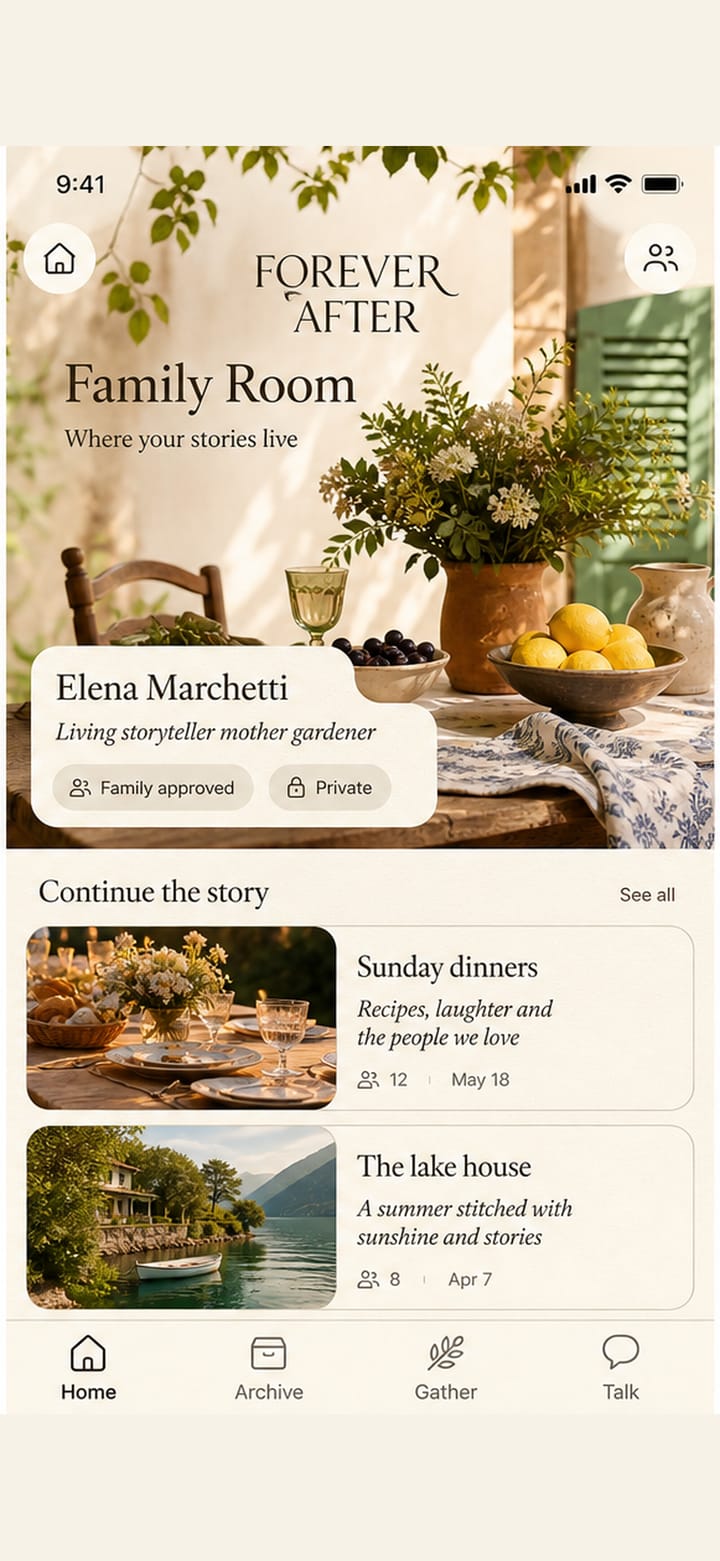
Story Room
The interface reveals one decision at a time.
You do not get a quest list up front. The room asks who this is for, confirms authority, then opens the microphone or camera only when you are ready to record.
- 01
Choose who this is for
Self, living loved one, or memorial determines the governance path.
- 02
Complete authority and consent
On a self archive you hold authority. Loved-one and memorial uploads remain locked until governance is ready.
- 03
Choose a chapter and prompt
Curated prompts help the storyteller begin without live AI questioning.
- 04
Check sound or framing
Microphone and camera permission are requested only at this moment.
- 05
Record, pause, and bookmark
The original stays protected locally until its private upload is verified.
- 06
Add context and send
Speaker, title, date, place, and source note travel to review.
Receipt
The recording is preserved, not transformed.
Original human recording stays private and awaiting review. Not used for voice cloning.
After approval, the source may appear in the selected person’s Library, Timeline, and Life Atlas. It can support cited Talk only when its governance, privacy, attribution, and evidence rules allow it. Recording a story keeps an original archive source. It does not create a voice clone, a loved-one face, or a live AI call.
Read how record, approve, and ask fit together.
How it worksForever After
Record. Approve. Ask.
Keep the stories.
Keep the source.
Keep their words.