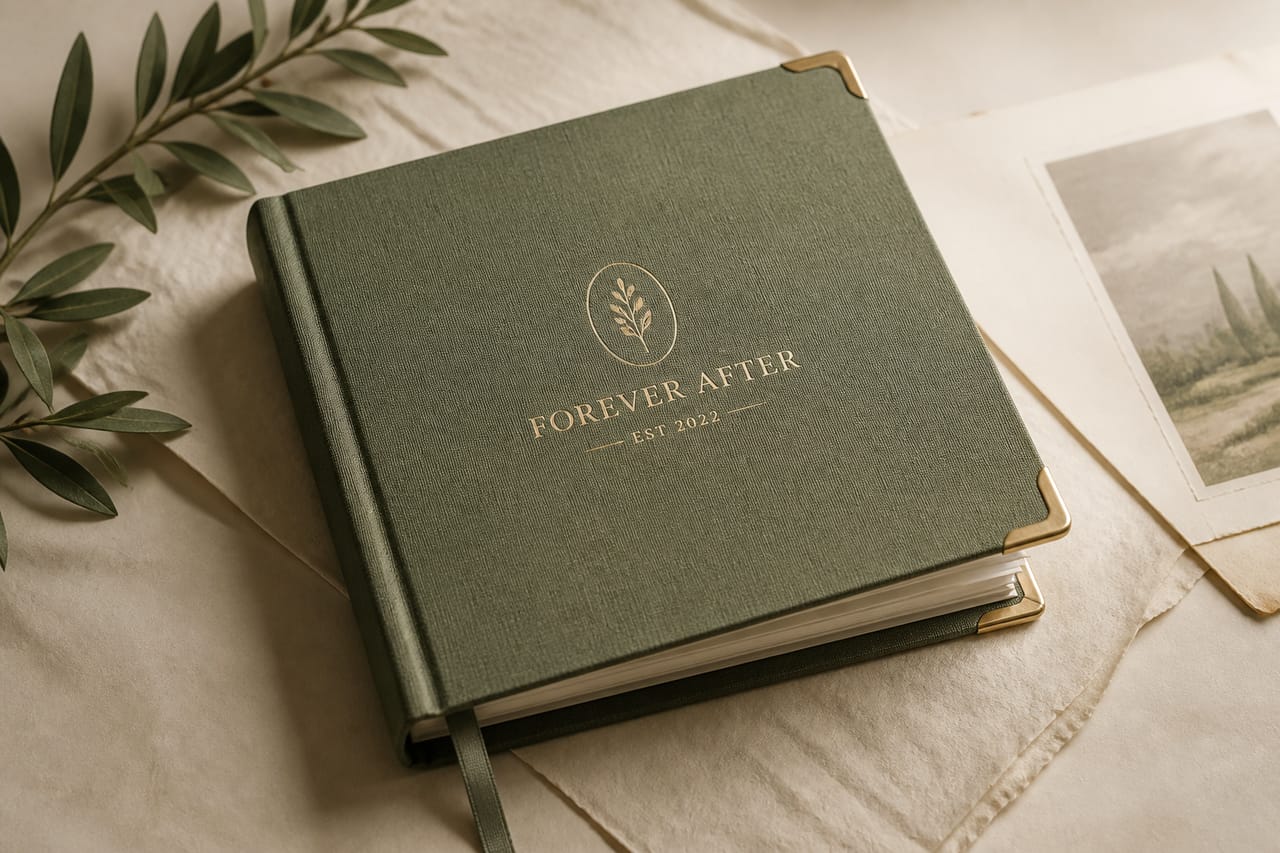
Your own life
Record in your voice. You hold authority, and you approve what can be asked later.
Private family archive
Record. Approve. Ask.
Forever After keeps the original recording in a private family archive. You approve it before Talk can use it. Talk answers only from what you approved, with a citation, or it refuses. Native iOS and Android.
Access is invite-only. On your own story, you approve. A loved-one or memorial source still needs authorized review.
Who it is for
Forever After is for invited families who want to keep what a person actually said. It is not a public social network, and it does not publish a family archive on this site.
Record in your voice. You hold authority, and you approve what can be asked later.
Keep their stories with explicit agreement. Archive consent never authorizes AI voice.
Preserve attributed recollections. Every memory stays the living speaker’s words.
01
Talk answers only from stories you’ve approved for that person. It shows the source, or it refuses.
What did they say about Sunday dinners?
Demo copy only. No real family. The app would show the approved recording this line came from, so you can open the source yourself.
Paths
One family workspace can hold several lives without mixing them. Each person has their own consent, review, and Talk boundary.
Create your profile and record in your own words. You have full authority on yourself.
Record the creator attestation and explicit-subject confirmation before any upload. Archive consent never authorizes AI voice.
Document authority and source ownership. Every recollection stays attributed to the living person who shared it.
02
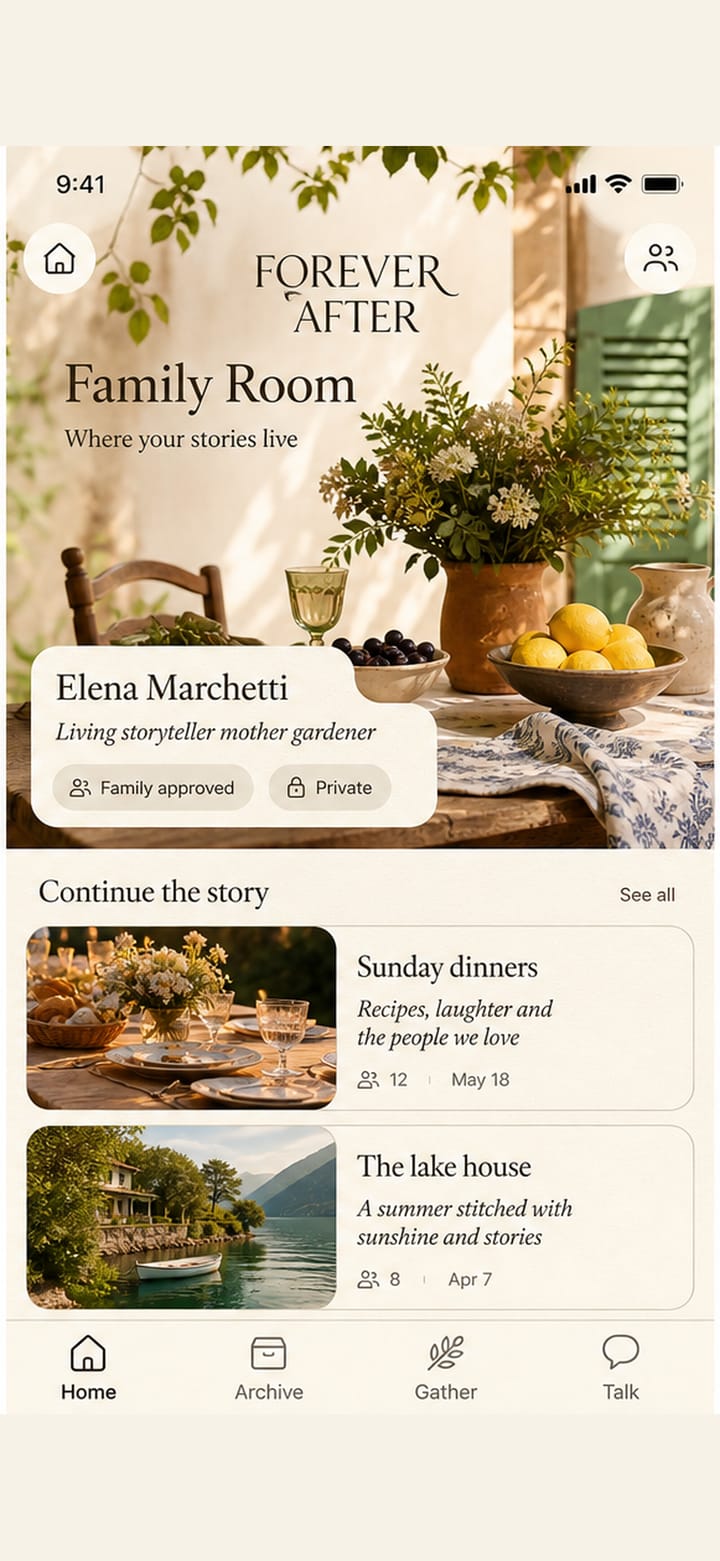
This is a demo of Elena Marchetti’s family workspace (fictional). After secure sign-in, your app shows only workspaces and sources you are authorized to see. Real families start empty; nothing is borrowed from anyone else’s life.
Your signed-in app begins empty. One owner can add up to ten independently governed profiles.
Self, living-loved-one, and memorial paths each enforce the right consent.
Record audio or video, add context, and keep the private original.
In the app
The daily door is Home: a story to continue, not a quest list. Archive is the approved collection. Gather is where you record. Talk is one composer with inline citations.
Open the next story, return to a person, or step through the Future Me door when it is offered.
Browse what has been approved, then record a new original in The Story Room.
Ask in the selected person’s words. Every supported answer keeps a source you can open.
Story Room
Permissions and upload steps appear when you need them, not as a quest list up front.
Original human recording stays private and awaiting review. Not used for voice cloning.
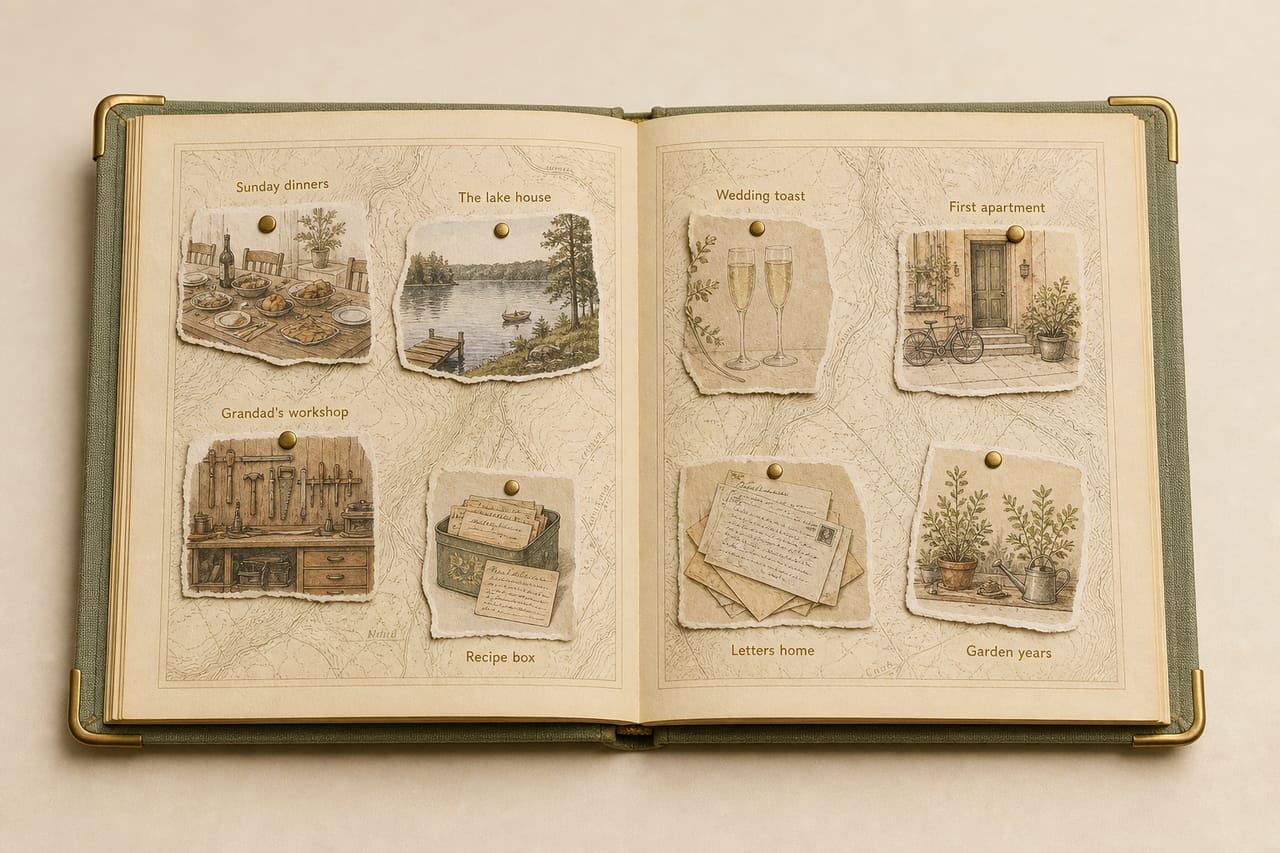
Life Atlas
Future Me
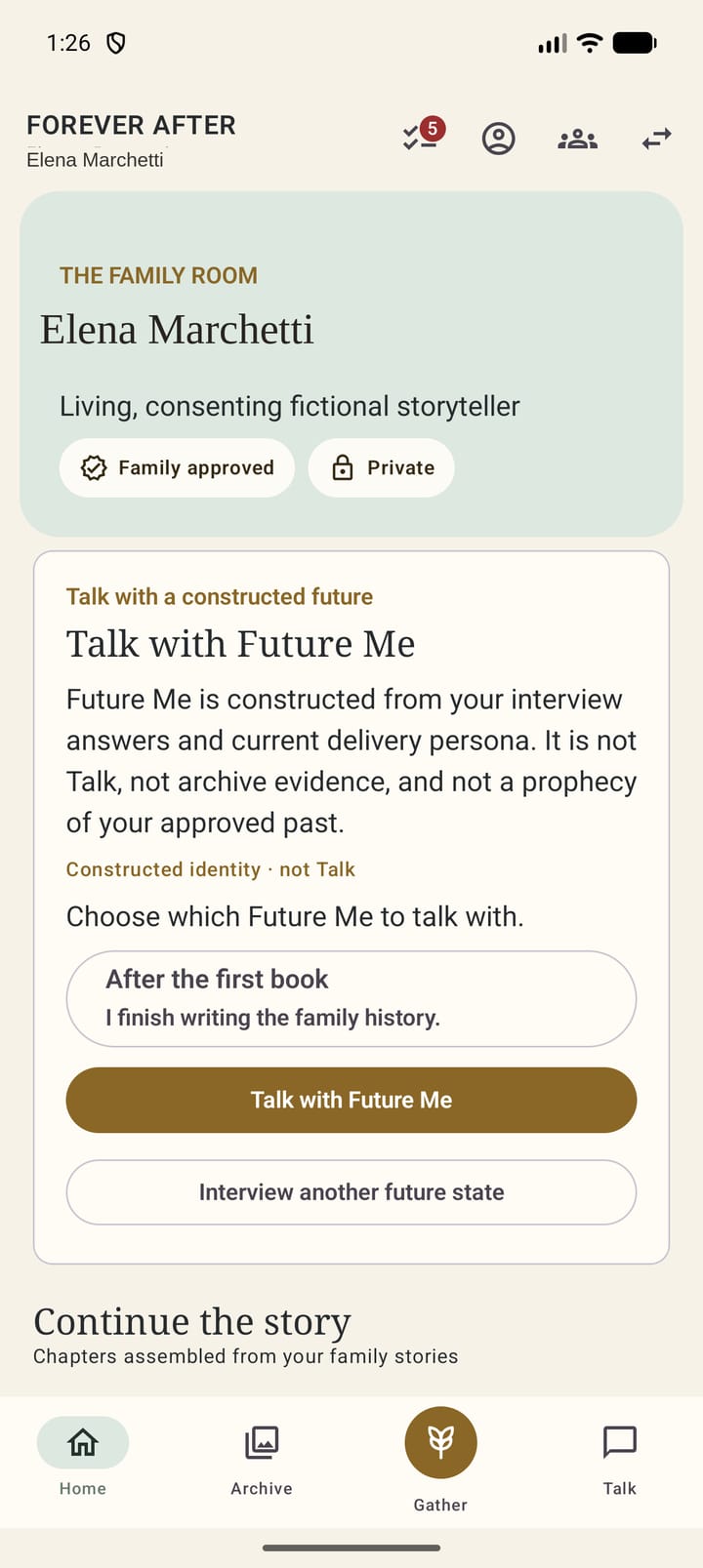
On the Elena Marchetti demo Home, it opens from the door as a living-self Presence overlay, with disclosure on the glass. Family Hub stays the Digital Presence studio. Talk stays sealed: approved sources with citations, or it refuses.
Future Me is not archive evidence and not a prediction. It remains invite-only when offered.
Record. Approve. Ask. still comes first.
03
Talk answers only from currently approved sources for the selected profile. It must cite them or refuse.
Forever After
Record. Approve. Ask.
Keep the stories.
Keep the source.
Keep their words.